
King in the Mountain Beginner Guide for v0.65
If you are starting the King in the Mountain v0.65 Demo, focus on the basic loop before trying to optimize the mine. Use the Mine button to begin a run, left-click the areas you want prioritized, right-click to remove a priority, then spend the gold you earn on upgrades and recruitment. Space pauses or resumes play, while Arrow keys or WASD move the view.
This guide covers the controls and first play cycle confirmed by the official itch.io instructions and v0.65 update. It does not claim an optimal route, best first upgrade or complete Demo walkthrough.
Checked against the v0.65 Demo information available on September 22, 2026. The game is still in development, so later builds may change labels or behavior.
Controls were checked against the official King in the Mountain How to play page(opens developer itch.io page in a new window) and the official v0.65 update(opens official patch notes in a new window).
King in the Mountain v0.65 controls
| Input | Confirmed action | When to use it |
|---|---|---|
| Mine button in the right corner | Starts a mining run | Use it when you are ready to leave the Mountain Hall and begin the next run. |
| Left mouse button | Marks priority areas to dig | Use it to tell the dwarves which areas should receive priority. |
| Right mouse button | Removes a marked priority area | Use it to correct a selection or change the current digging priority. |
| Space | Pauses or unpauses | Pause when you need time to review what is happening without continuing the action. |
| Arrow keys or WASD | Moves the view | Use either key set to navigate around the visible play area. |
| Click a building while in Tunnel Mode | Opens that building and exits Tunnel Mode | Use it when you want to move directly from tunnel placement back to a building panel. |
These are the controls explicitly documented for the current version. Mouse input is listed on the official itch page; keyboard shortcuts were added in the v0.60 changes that were combined into the v0.65 release.
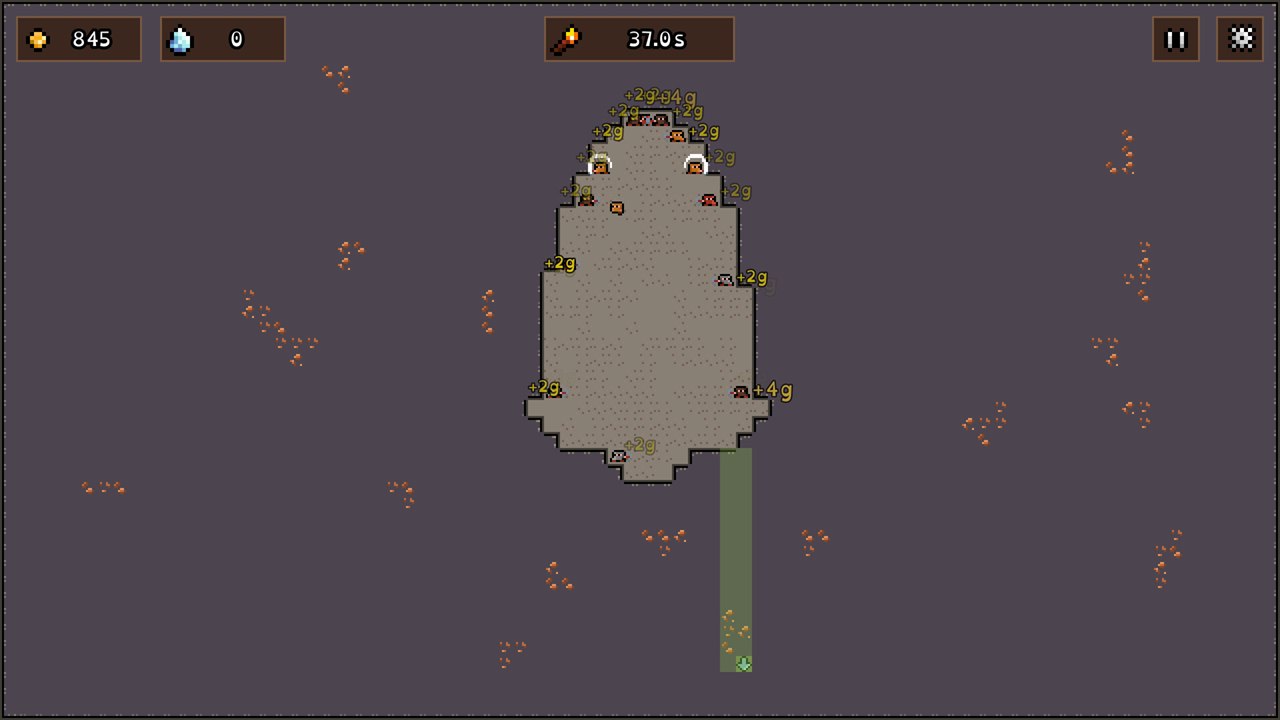
Your first King in the Mountain play cycle
1. Start the mining run
From the Mountain Hall, use the Mine button in the right corner. The official instructions identify this as the entry point for a mining run. This guide does not assume a different label or position for future versions.
2. Mark the areas you want prioritized
Left-click the areas you want the dwarves to prioritize. If you mark the wrong area or change your plan, right-click to remove that priority. The control establishes priority; it does not guarantee that every route is equally efficient or that the dwarves will follow an unverified pathfinding rule.
3. Pause when you need to review the run
Press Space to pause or resume. The official patch notes confirm the shortcut, but they do not define a single “correct” moment to pause. Use it as a planning aid rather than treating it as part of a fixed strategy.
4. Spend gold in the upgrades menu
After earning gold, open the upgrades menu and choose from the options currently available in your build. The official starting instructions confirm that gold is used for upgrades, but they do not establish one universally best first purchase. This page therefore does not rank the upgrade tree.
5. Recruit another dwarf and repeat
Recruit new dwarves when the current game state allows it, then begin another run. That closes the confirmed beginner loop: mine, set priorities, earn gold, upgrade, recruit and repeat.
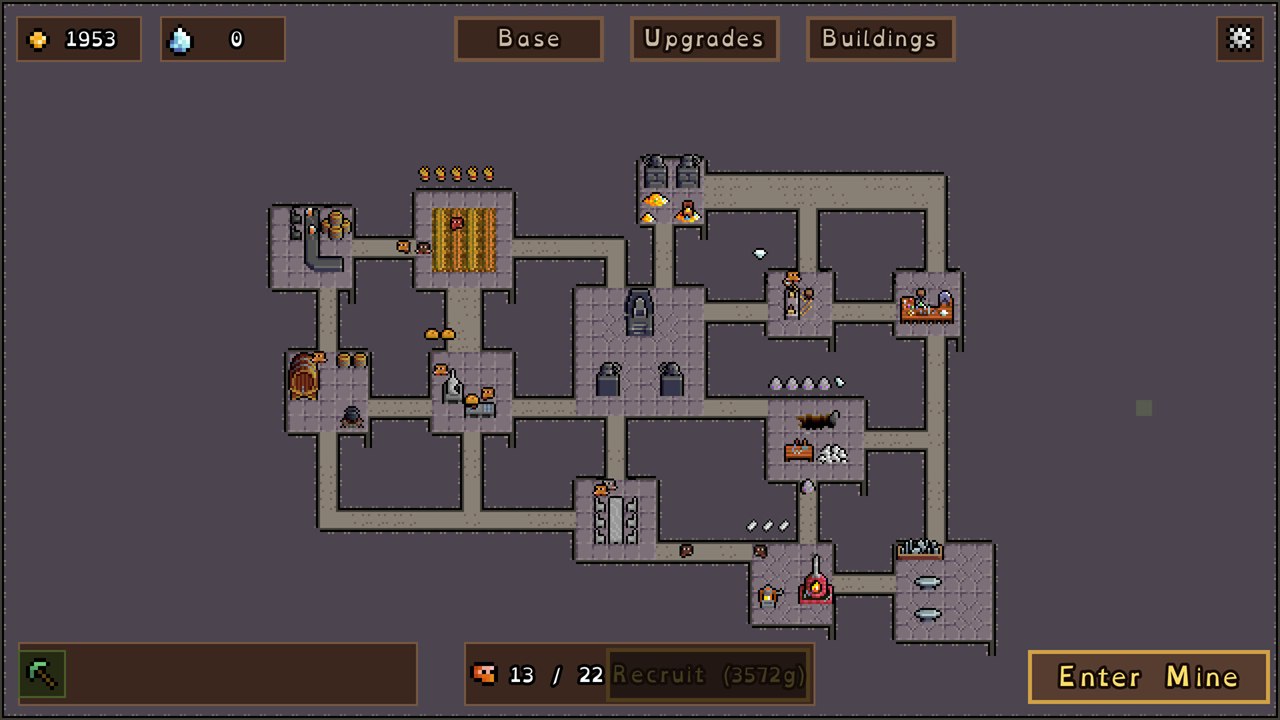
Pause, move the view and leave Tunnel Mode
The v0.65 release combines two useful control updates:
- Press Space to pause or unpause.
- Use Arrow keys or WASD to move the view.
- While in Tunnel Mode, click a building to open it and leave Tunnel Mode.
The last behavior is easy to miss because it is version-specific. It gives you a direct way back to the building panel without this guide inventing a broader Tunnel Mode workflow.
What this beginner guide does not claim
Several useful-looking details still need current-build evidence. Until they are verified, do not treat this page as a source for:
- the best route through a mine;
- the best first upgrade or resource priority;
- exact torch duration or a guaranteed number of actions per run;
- building connection requirements;
- mobile or touch controls;
- browser-save behavior or transfer between browser and Windows builds;
- the exact Demo ending trigger or full progression limit.
For now, use the official instructions as the safe baseline and rely on the in-game guide/tutorial for systems that unlock later.
Beginner questions
Can I play King in the Mountain in a browser?
Yes. The official itch.io page currently offers the v0.65 Demo as an HTML5 browser game. This guide links to that official itch.io page(opens official itch.io page in a new window) because this domain does not have creator-authorized external embed code.
How do I pause King in the Mountain?
Press Space to pause or unpause in the v0.65 Demo. This shortcut was introduced in the v0.60 changes included with the current release.
Can I move the camera with WASD?
Yes. The official v0.65 patch post lists both Arrow keys and WASD for navigation.
What to do next
Start with the short loop the game documents: begin a mining run, set or remove priority areas, spend earned gold on available upgrades, recruit and repeat. Once those controls feel familiar, use the in-game guide for newly unlocked systems instead of relying on older, version-mixed advice.